
Go to to see a list of APs in ExtremeCloud IQ Controller.
The model and licensing domain of the AP determine the site configuration type and site licensing domain. The configuration Profile and RF Management for a device group are specific to the AP platform.
The Country option on the site must support the AP licensing domain.
Tabs
Select the General tab to view details about all the APs, or the AFC tab to view details about APs that support 6E Standard Power under AFC server control.
General Tab

Note
Use this setting with caution. Improper use can result in an AP power source overload, resulting in an unstable AP operation.The Floor Name column displays the name assigned to an AP's location
Note
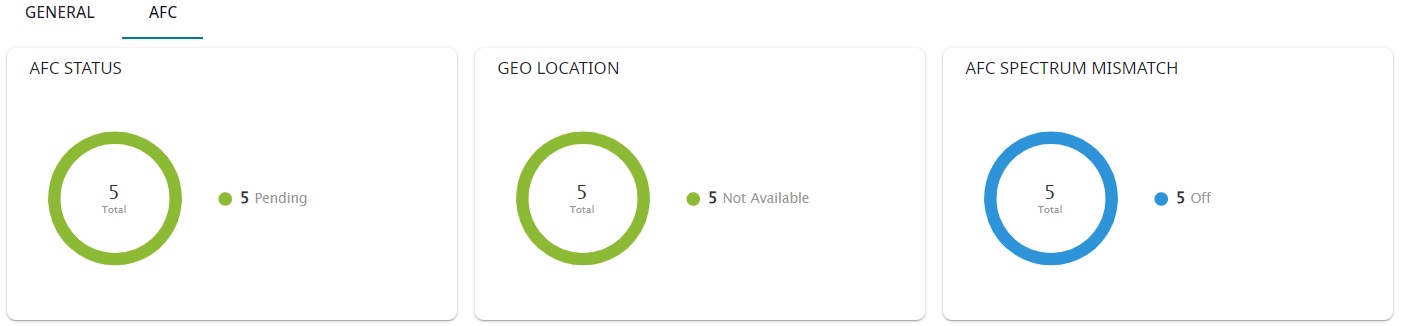
The Power Source column has been deprecated and will therefore display None.A dashboard summary of the AFC status, Geo Location, and AFC Mismatch info for APs.
AFC Tab
Highlights on the AFC Access Points List:
Note
Req. Channel and Backup Channel must be the same channel width. to manually
refresh the page anytime.
to manually
refresh the page anytime.Note
Save your page setting changes. Auto Refresh is implemented at the browser level and therefore will reset any selections or unsaved page setting changes. When using Auto Refresh, select a refresh interval that allows you to complete the operation within the defined interval. For best results, set Auto Refresh to OFF during configuration selections or selection of a large number of elements.