Configure a mesh network. See Mesh Networking for details.
Configure one or two device groups, in accordance with the recommendations provided in Configure a Meshpoint Network.

Note
Do not rename an AP after it is added to a mesh network. Renaming the device affects the display of the reported statistics.Mesh networks are comprised of meshpoints that are associated with radio channels on both root and non-root APs. When the radio channel is changed on a root AP, the non-root APs can find the root through Automatic Channel Selection (ACS). A non-root mesh AP is capable of scanning multiple channels to find the best root AP, thereby providing the best path for network traffic.
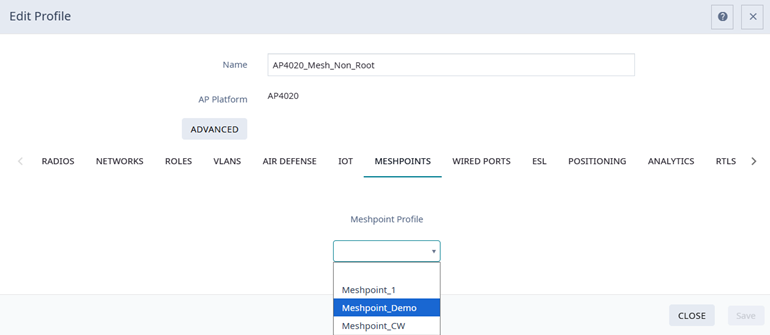
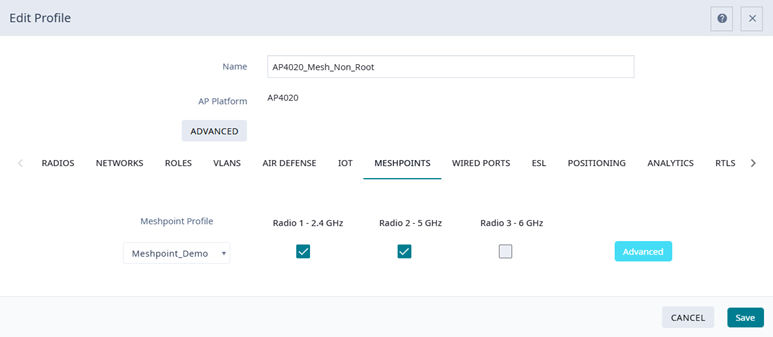
Use this procedure to configure a Meshpoint Profile for a device group in a mesh network.
 to edit the device group Profile.