The switch can be attached to a standard 19-inch equipment rack, in either of the following ways:
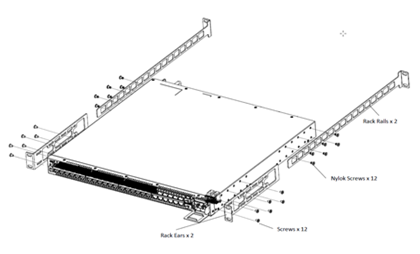
Four-post rack, using the mounting kit provided.
Two-post rack, using mounting brackets (not provided) to attach the front or the middle of the switch to the posts.
The part number for the provided four-post mounting kit is XN-4P-RMKIT-005. The part number for the two-post mounting kit that is not provided, but can be ordered separately, is XN-2PRMKIT-005.
To attach a switch to a four-post rack, a two-post rack, or a cabinet, follow these steps.
Note
Take care to load the rack so that it is not top-heavy. Start installing equipment at the bottom and work up.
Two-Post Rack Mount
You can attach the switch to a two-post rack in either of two configurations:
Flush-mount
Mid-mount
Use the following instructions to install the switch in a two-post rack.
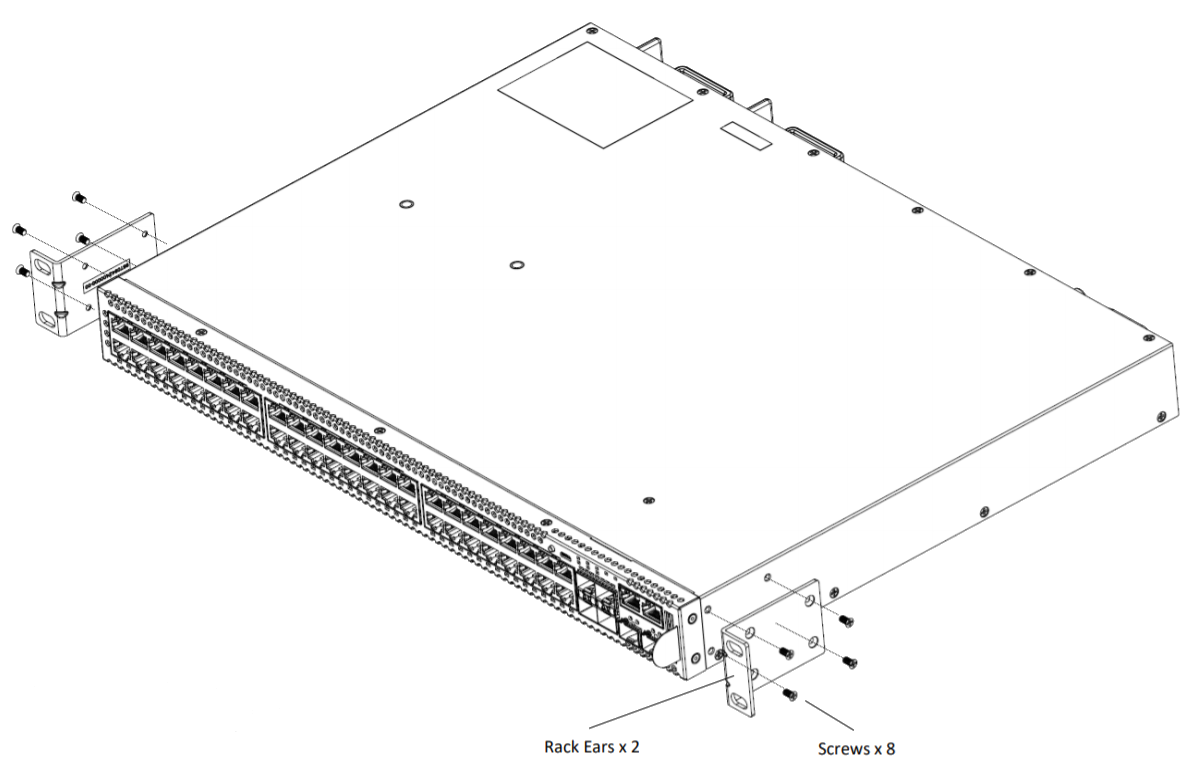
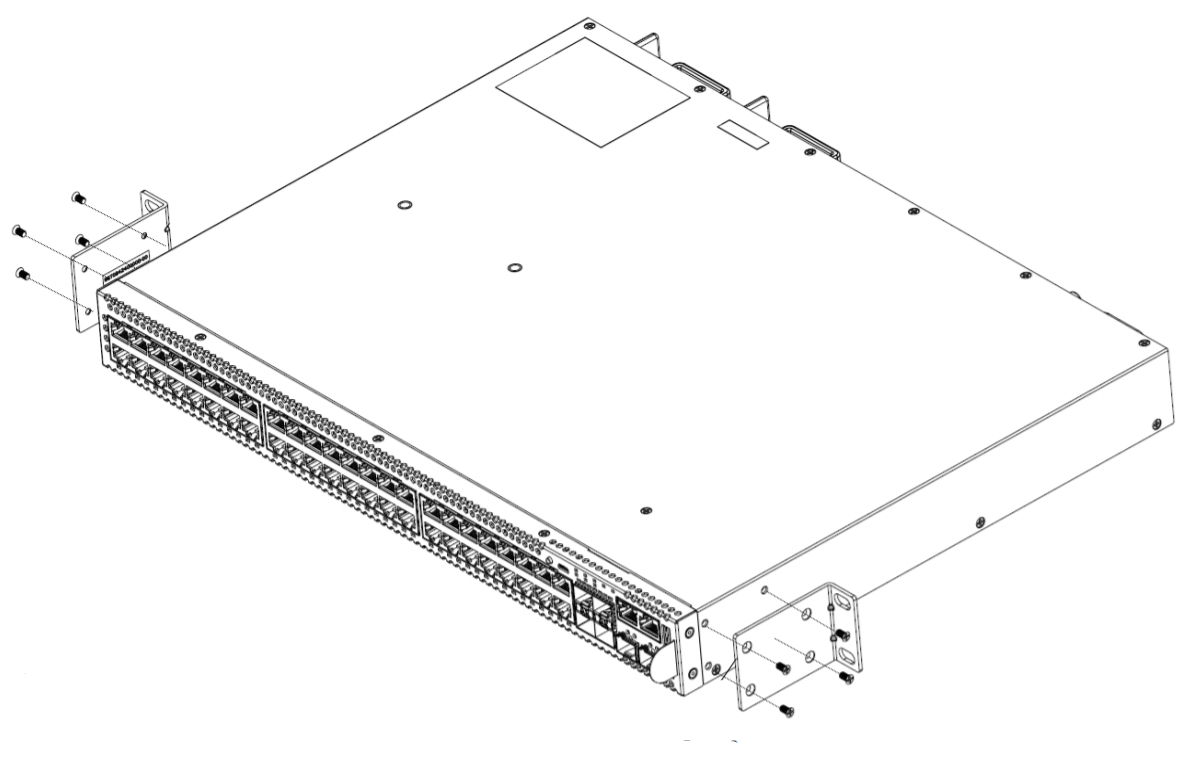
Set a mounting bracket against the switch housing on one side of the switch.
Set the flange (ear) flush with the front of the switch, facing the front, for a flush-mount.
Set the flange (ear) toward the back of the switch, facing the rear, for a mid-mount.
The following figures illustrate how to attach the brackets for two common mounting options.