
Use this task to create time-based conditions.
| Field | Descriptions |
|---|---|
| Condition Name | Enter at least three alphanumeric characters. |
| Description (Optional) | Enter a description of the condition. |
| Select Time Zone | Select a time zone from the drop-down list. |
| Start Date | Select a start date with the Start Date calendar. |
| End Date | Select an end date with the End Date calendar. |
| Start Time | Select a start time with the Start Time clock. |
| End Time | Select an end time with the End Time clock. |
| Repeat | Under the Repeat drop-down list,
select how often you want the condition to repeat. 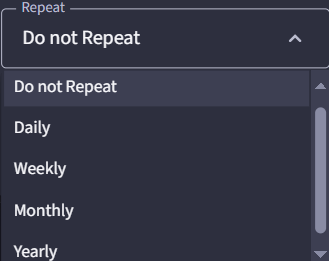 |
 and select Update or Remove from the
drop-down list.
and select Update or Remove from the
drop-down list.Your time condition displays in the list.