About this task
Ground the outdoor access point for outdoor installations. A ground terminal is provided for lightning protection. 
Caution
The ground connector on the AP is not a protective earth ground.
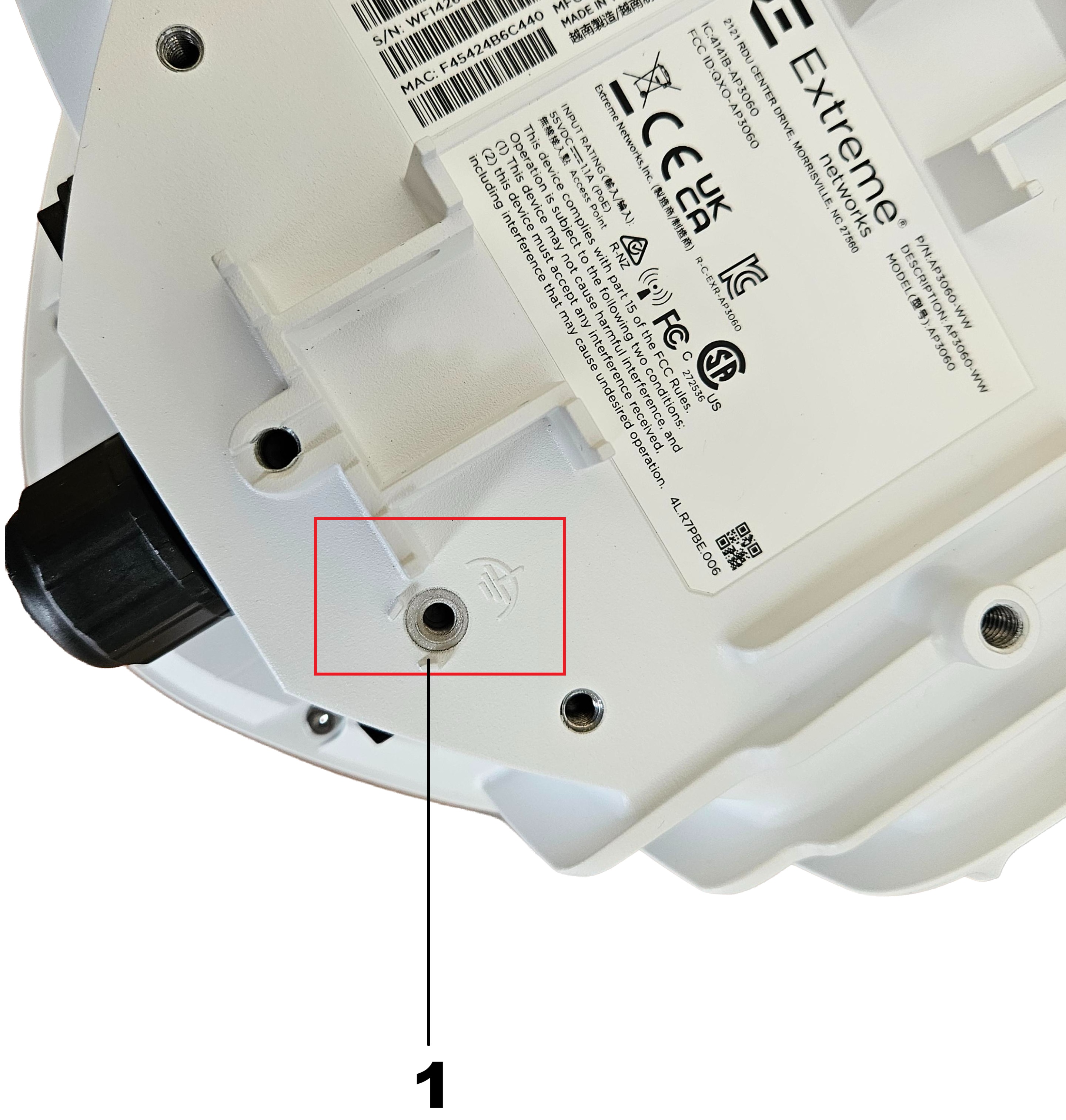
The following diagrams shows the ground screw hole and symbol.
Grounding Components
Table 1. Ground the AP| Callout | Description |
|---|
| 1 | Ground screw hole and symbol. |