About this task
To login to the vSphere server:
Procedure
- Launch a web browser and enter the vSphere address to access the vSphere application.
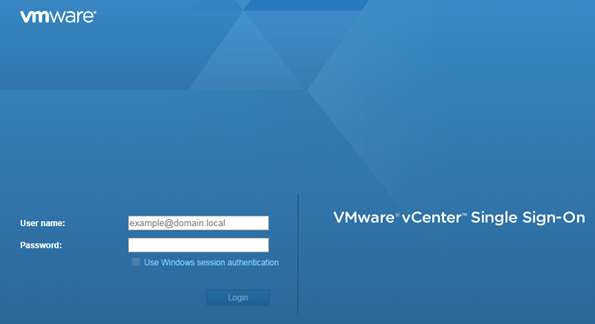
The Web Client login screen displays.
- On the VMware vSphere Web Client login screen:
- Enter the User name and Password of an account that has full administrative access to the vSphere (ESXi) server.
- Click Login.