
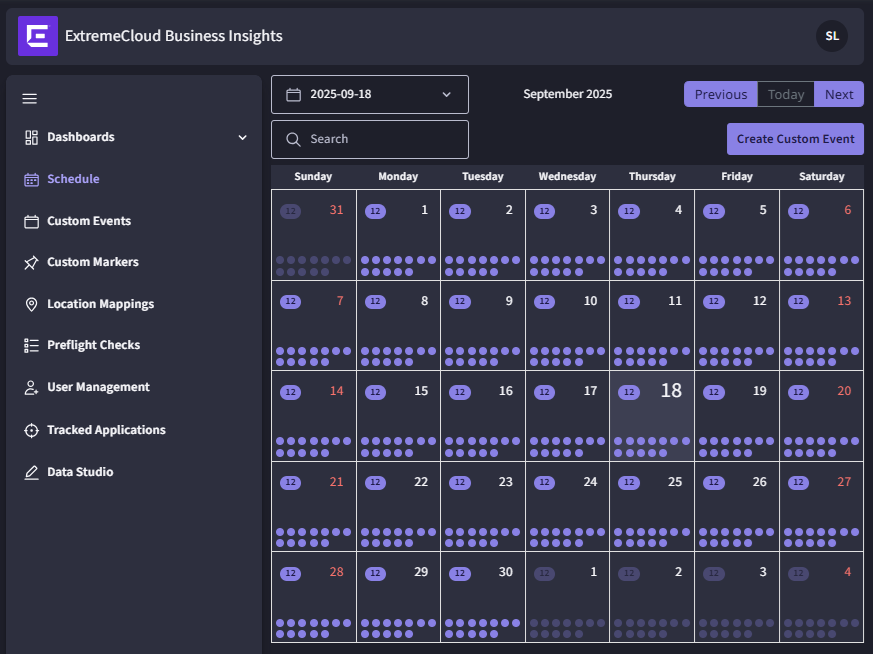
From the navigation menu, select Schedule to view a calendar of events. Business Insights displays events within a calendar month view.
To select a specific date, you can use the date picker in the top left of the content window or you can use the Previous or Next buttons to move the calendar month backward or forward by a month.
To search for a specific event, enter the event in the Search box. To filter the list of events that display in the calendar, enter the filter string in the Search box and press Enter. The following filter strings are available:

You can also use the Schedule page to create and schedule a custom event, or to launch a historical dashboard report for a completed event. For details, see:

Note
The Schedule page displays both standard events and custom events: