Go to Configure > Sites and select the target site.
Select Device Groups and select the target device group.
Select next to the profile to edit it.
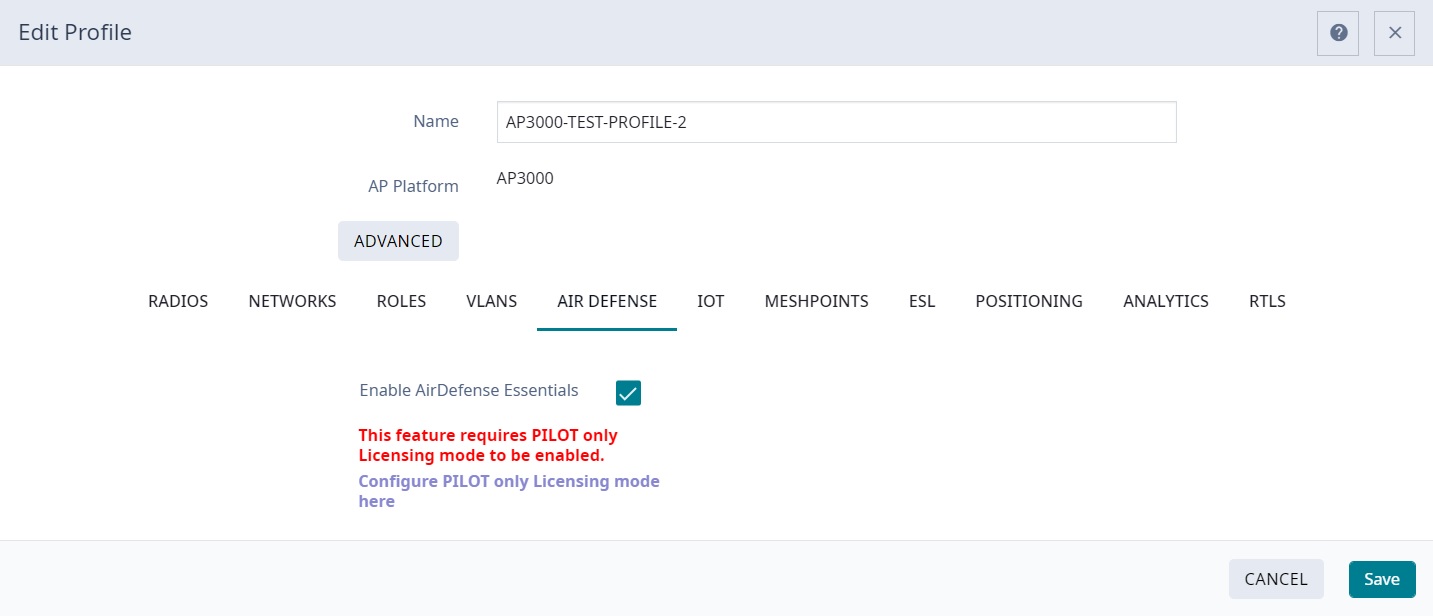
Select the Air Defense tab.
Select the Enable AirDefense Essentials check box.
Enable AirDefense Essentials
Select Save.
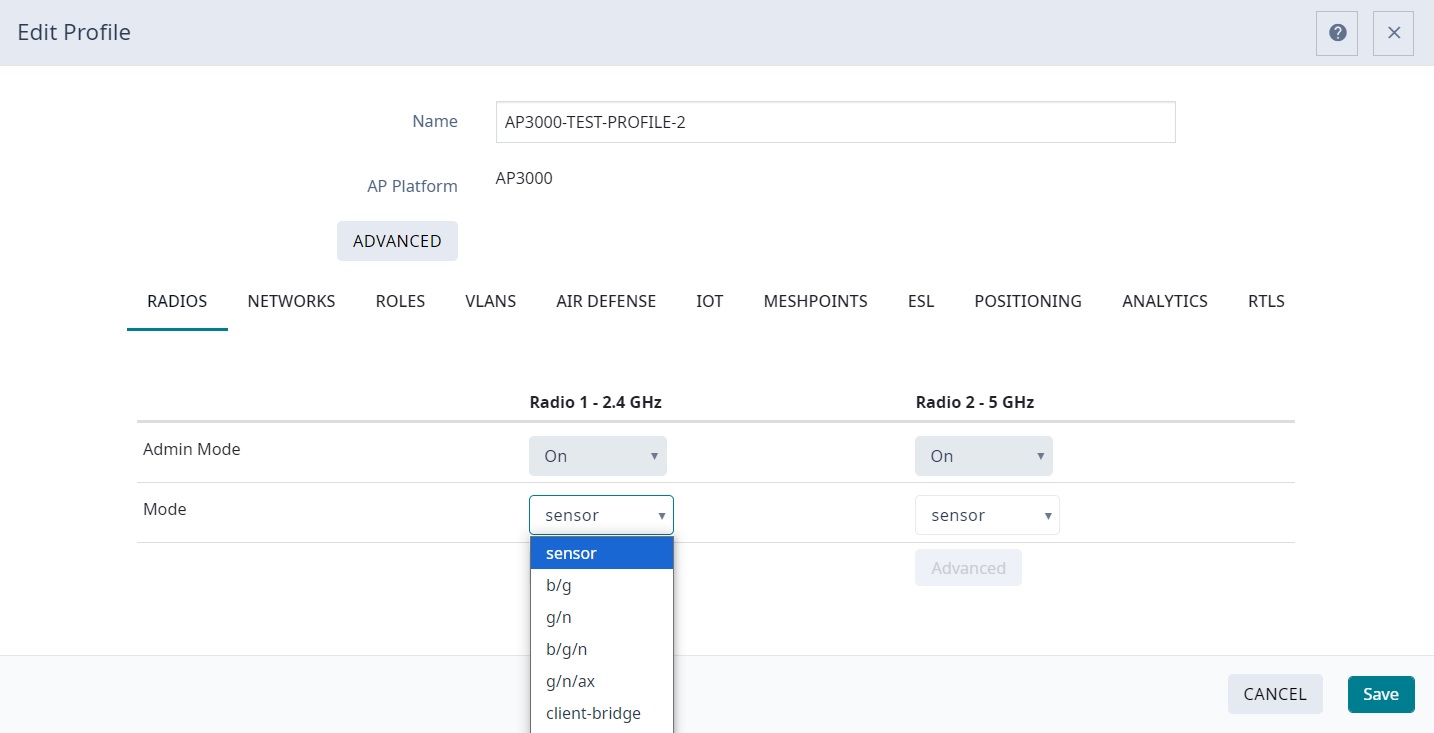
For AP4020/X/FX and AP4060/X, this step enables the dedicated sensor on Radio 4 to support AirDefense Essentials and completes this procedure. For other eligible AP models, proceed to the next step.

 next to the profile to edit it.