ExtremeCloud IQ
ControllerFloor Plans view offers Positioning heat maps to illustrate optimal device location and client foot traffic. The following Positioning maps are available:
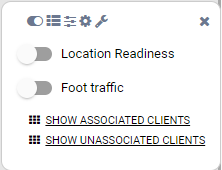
Location Readiness. Predicted location quality.
Foot Traffic (Supported on AP39xx only).
To access the Positioning maps from the floor plan view:
Display an available floor plan.
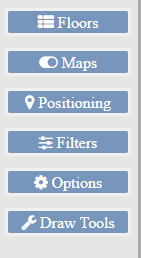
From the right panel, click Positioning.
To activate a map, click the ball and drag to the right.
To show clients, select either Show Associated Clients or Show Unassociated Clients.
Note
If your Positioning Profile is configured to track only active clients, you will not be able to see unassociated clients on the map.