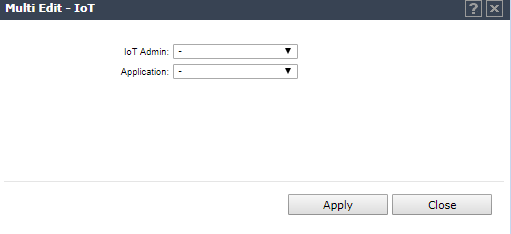
IoT Multi-Edit Configuration
Configure more than one AP at a time for IoT support.
-
Select the check box next to more than one AP that
supports the IoT.
The following APs offer
integrated BLE/802.15.4 radios: AP3912i , AP3915i/e, AP3916ic, AP3917i/e/k.
-
Click .
-
Select Enable from the IoT Admin field.
-
Select a value from the Application field. Valid values are iBeacon, iBeacon Scan, Eddystone-url
Beacon, Eddystone-url Scan, or Thread Gateway. Resulting parameters depend
on the application you select here.


 Print
this page
Print
this page Email this topic
 Feedback
 View PDF
 Download EPUB